Snapsec ASM: Attack Surface Management
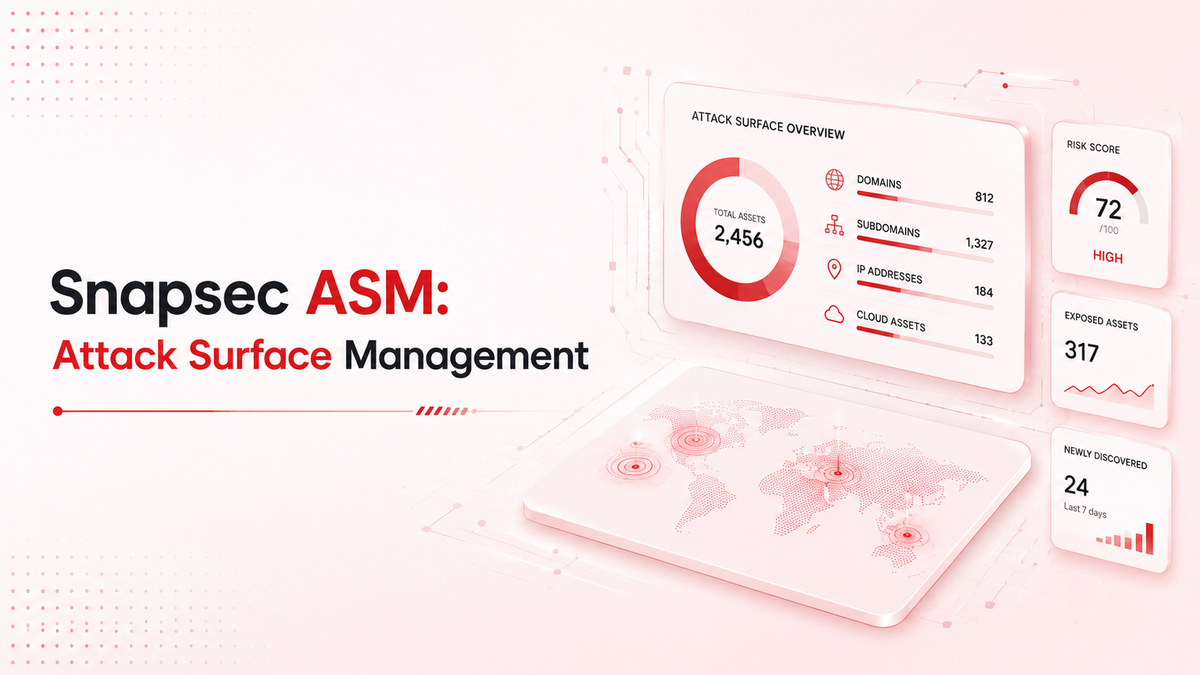
Organizations today have large and constantly changing attack surfaces. New web servers, SSL certificates, and subdomains are created frequently. Traditional, point-in-time assessments often miss these changes because they happen so quickly.
A common issue with Attack Surface Management (ASM) tools is that they generate too much unorganized data. Security teams often receive long lists of IPs, subdomains, and ports without enough context to know which ones are actually risky.
Snapsec Continuous Attack Surface Management solves this by focusing on clear Risk Signals rather than just listing raw assets.
Dashboard Overview
A list of IP addresses is useful, but an alert explaining why an asset is risky is much better.
Snapsec ASM scans the internet to find your organization's digital footprint. When it finds new infrastructure, it categorizes the data into a useful overview.
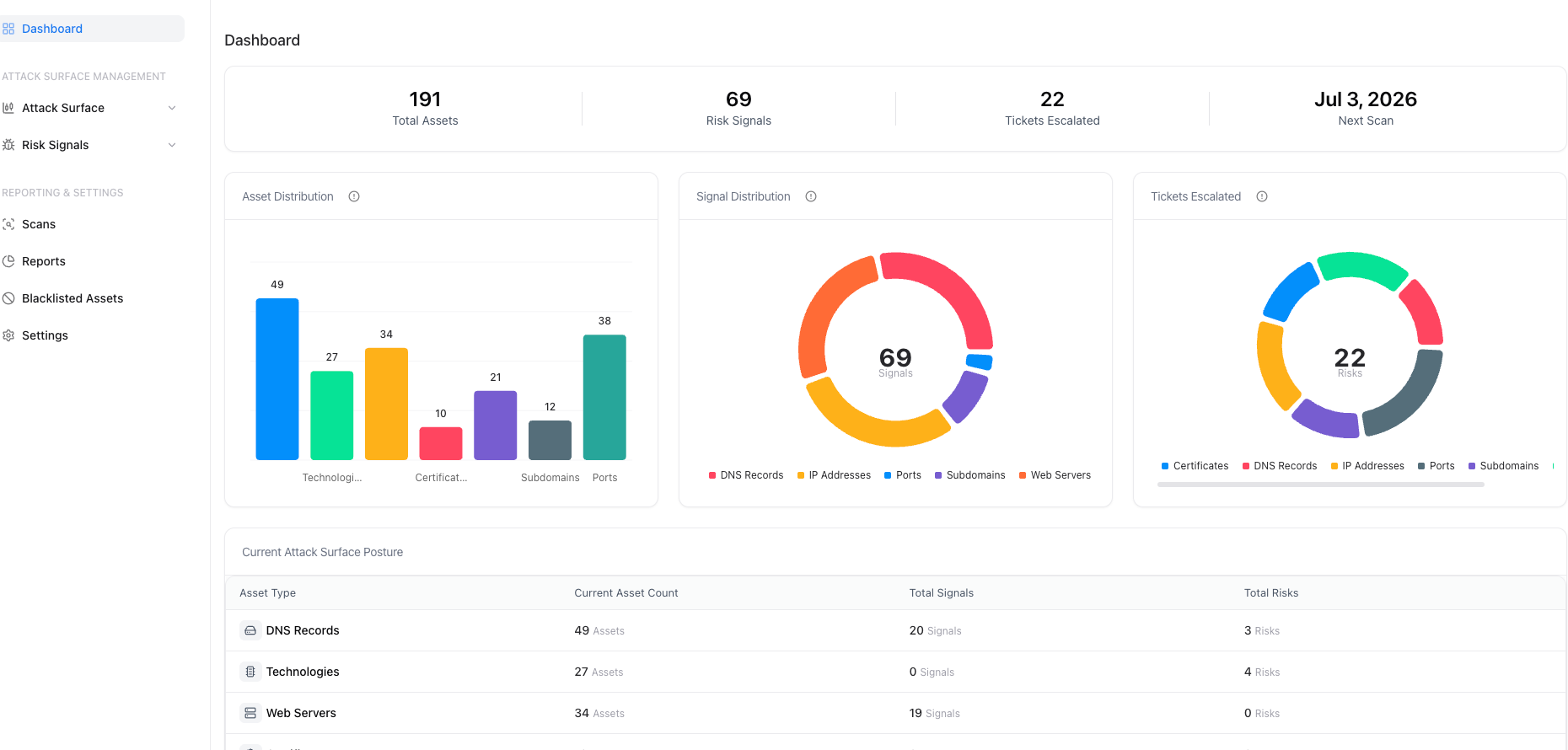
The ASM Dashboard shows the Signal Distribution chart. This groups all findings into prioritized risk signals. Instead of checking hundreds of assets manually, teams can focus on the specific signals that need attention, categorized by DNS Records, IP Addresses, Ports, and Subdomains.
Asset Discovery
Snapsec ASM finds and tracks all types of assets across your external infrastructure, including subdomains, IP addresses, web servers, DNS records, open ports, SSL certificates, and technologies.
You can view each asset type through specific pages:
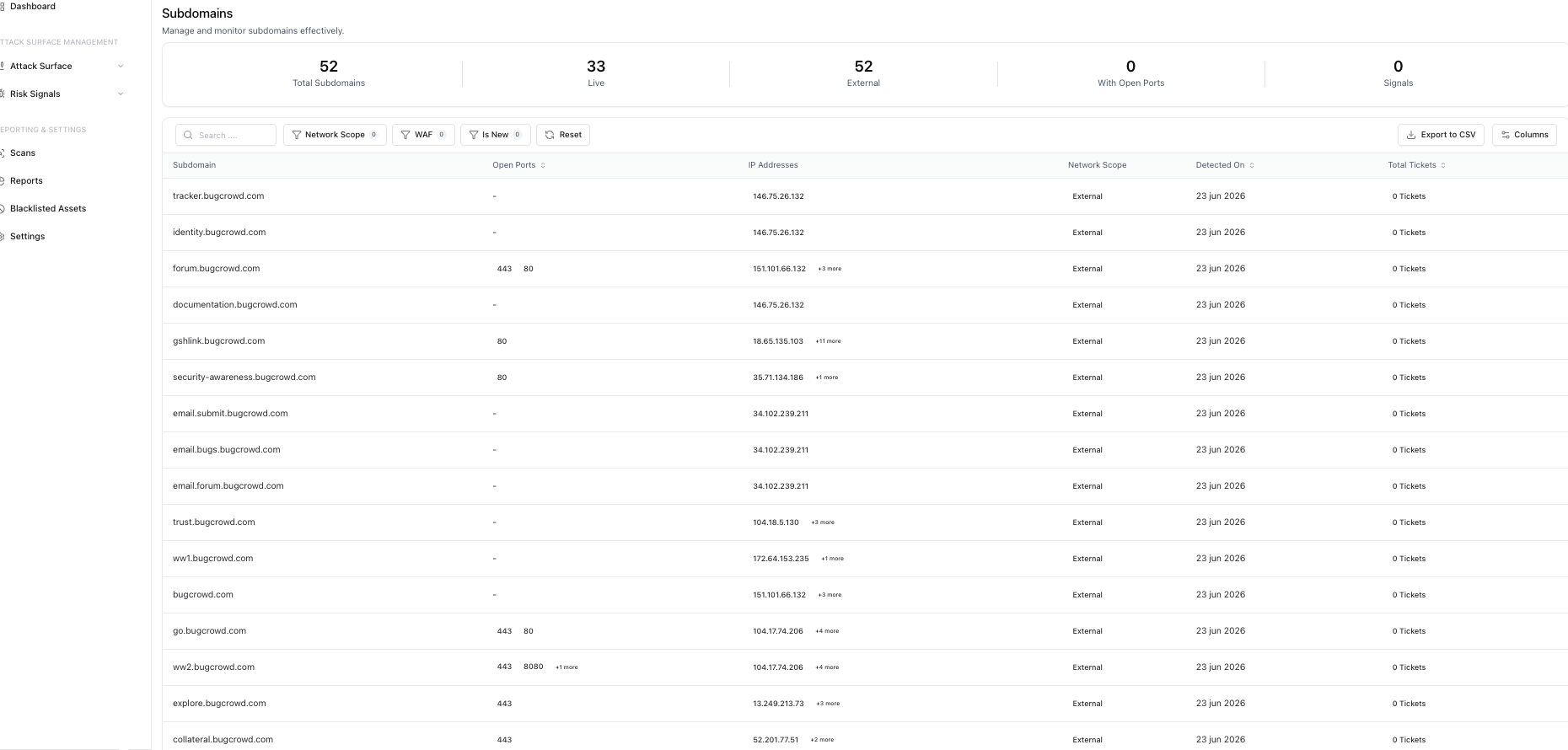
Subdomains
Track domain names, open ports, IPs, and WAF protection.
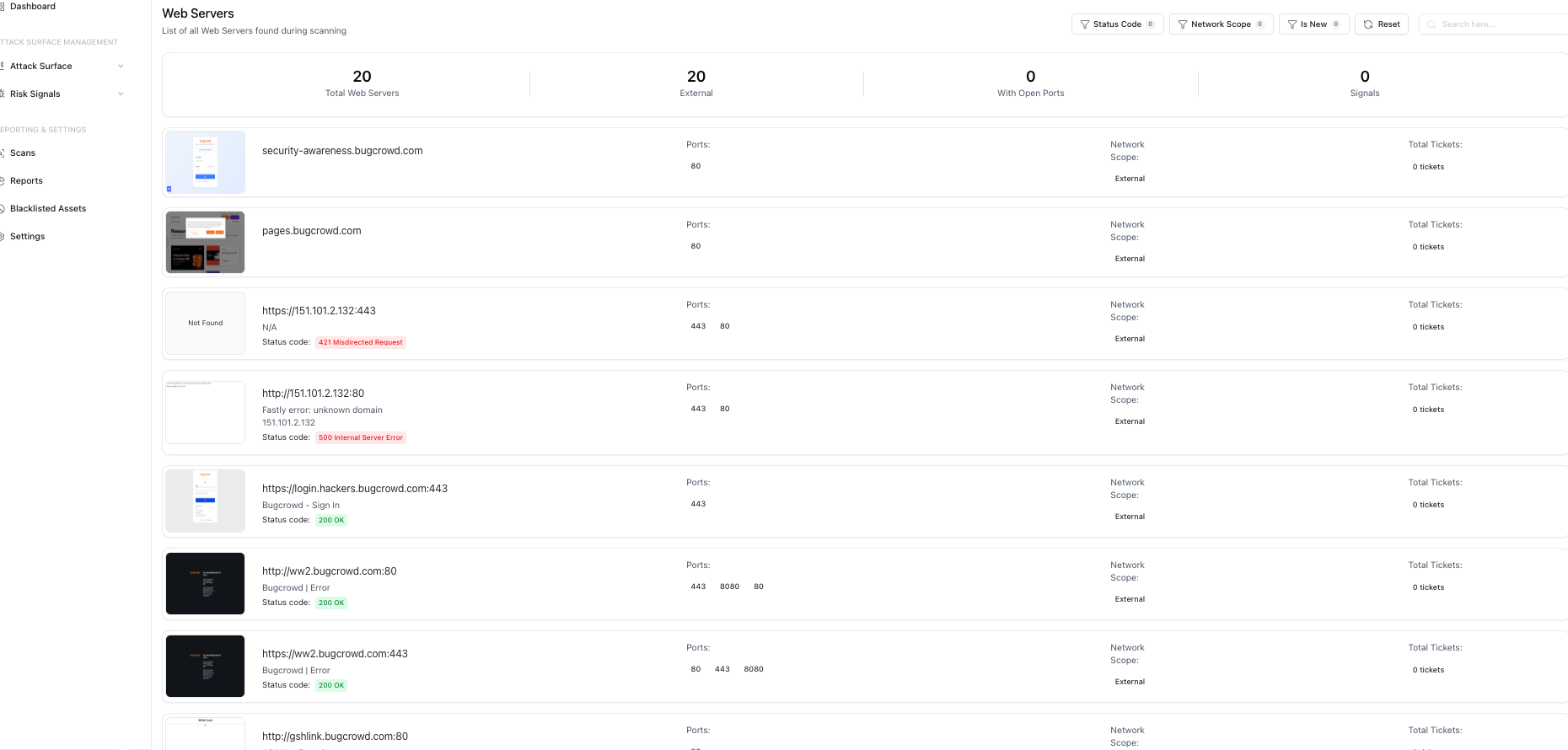
Web Servers
Crawl targets, see HTTP status codes, and view screenshots of the servers.
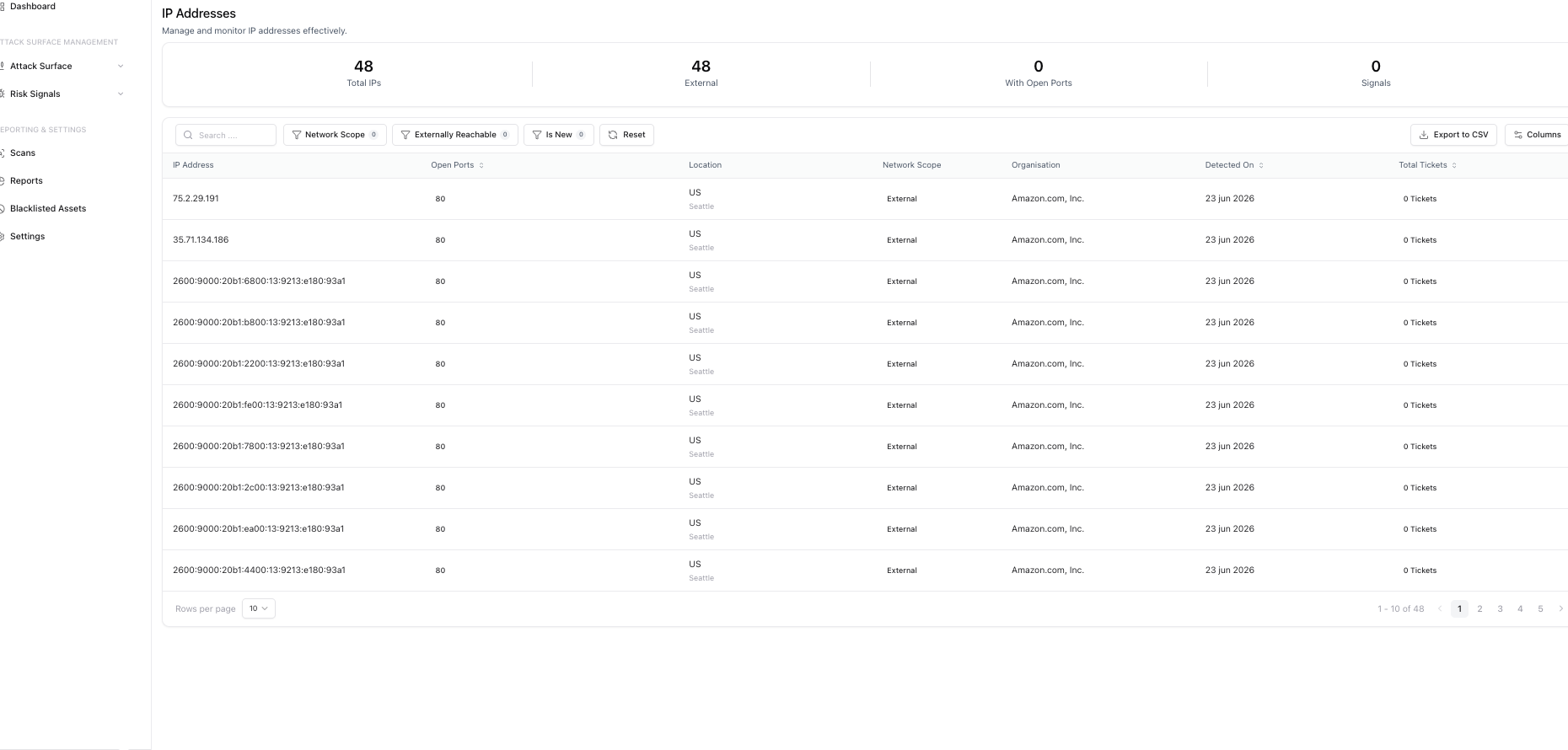
IP Addresses
Map IP scopes, find open ports, geographic locations, and ASN organizations.
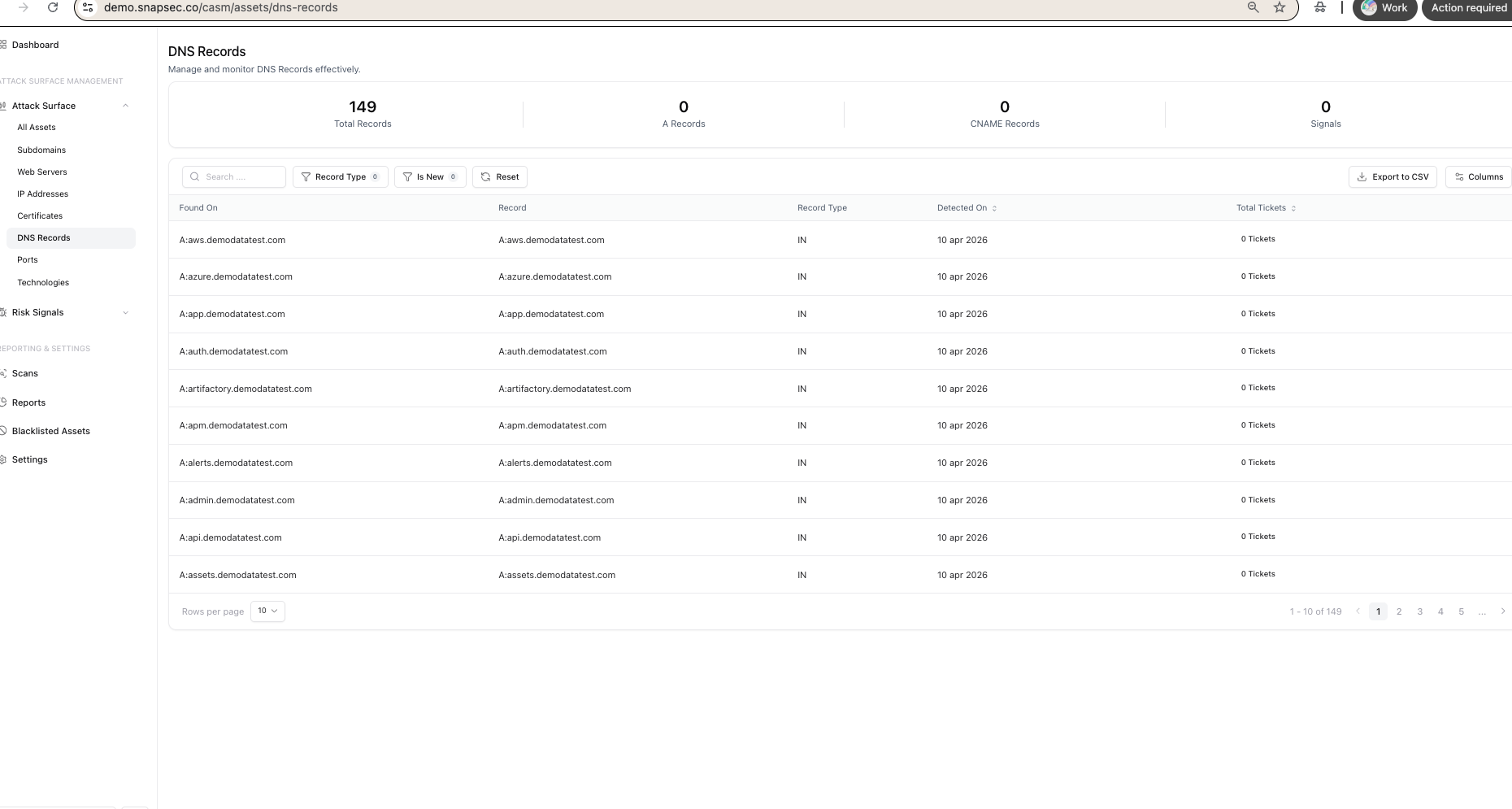
DNS Records
Monitor records (A, CNAME, MX, TXT) to find misconfigurations.
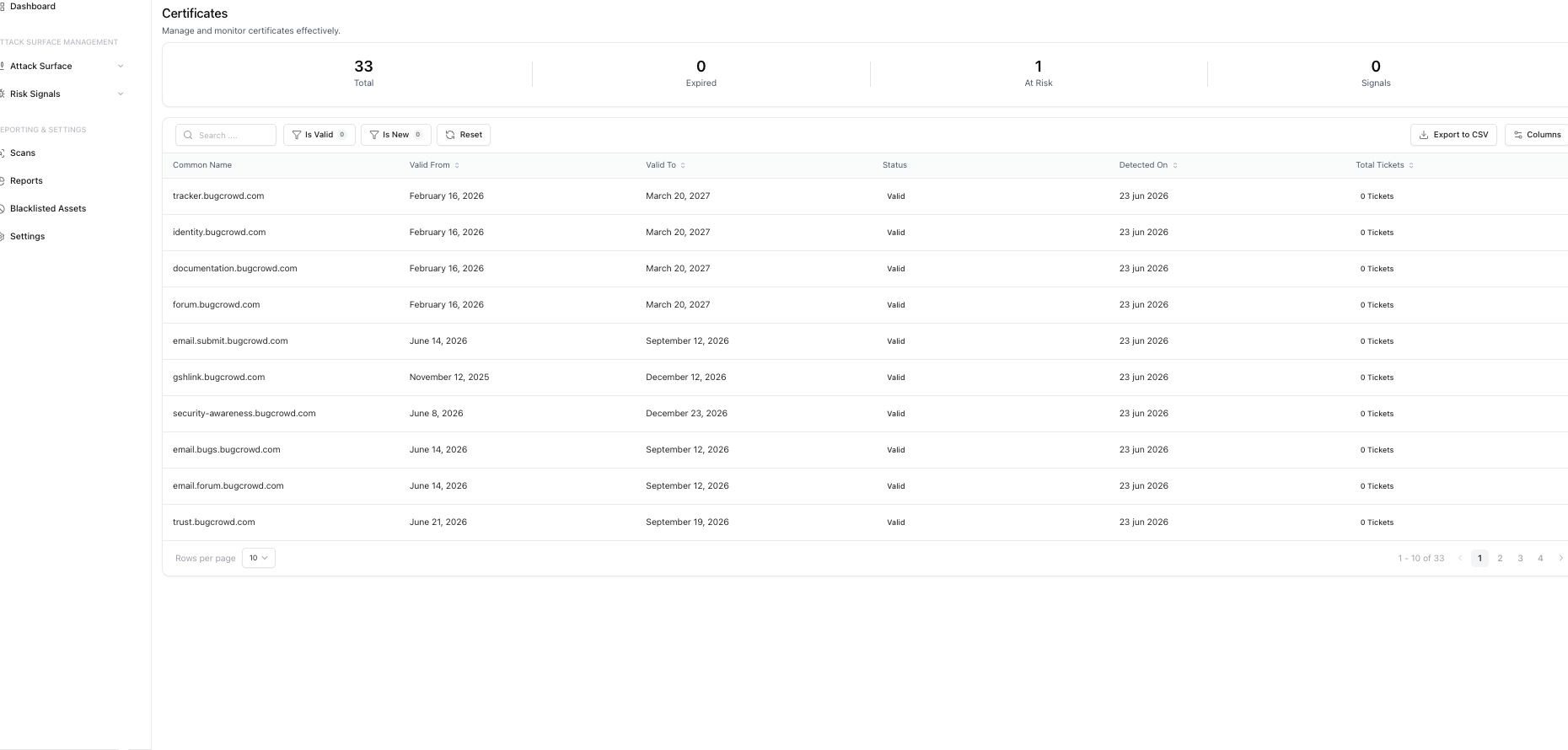
Certificates
Track SSL/TLS certificates, expiry dates, issuers, and domains.
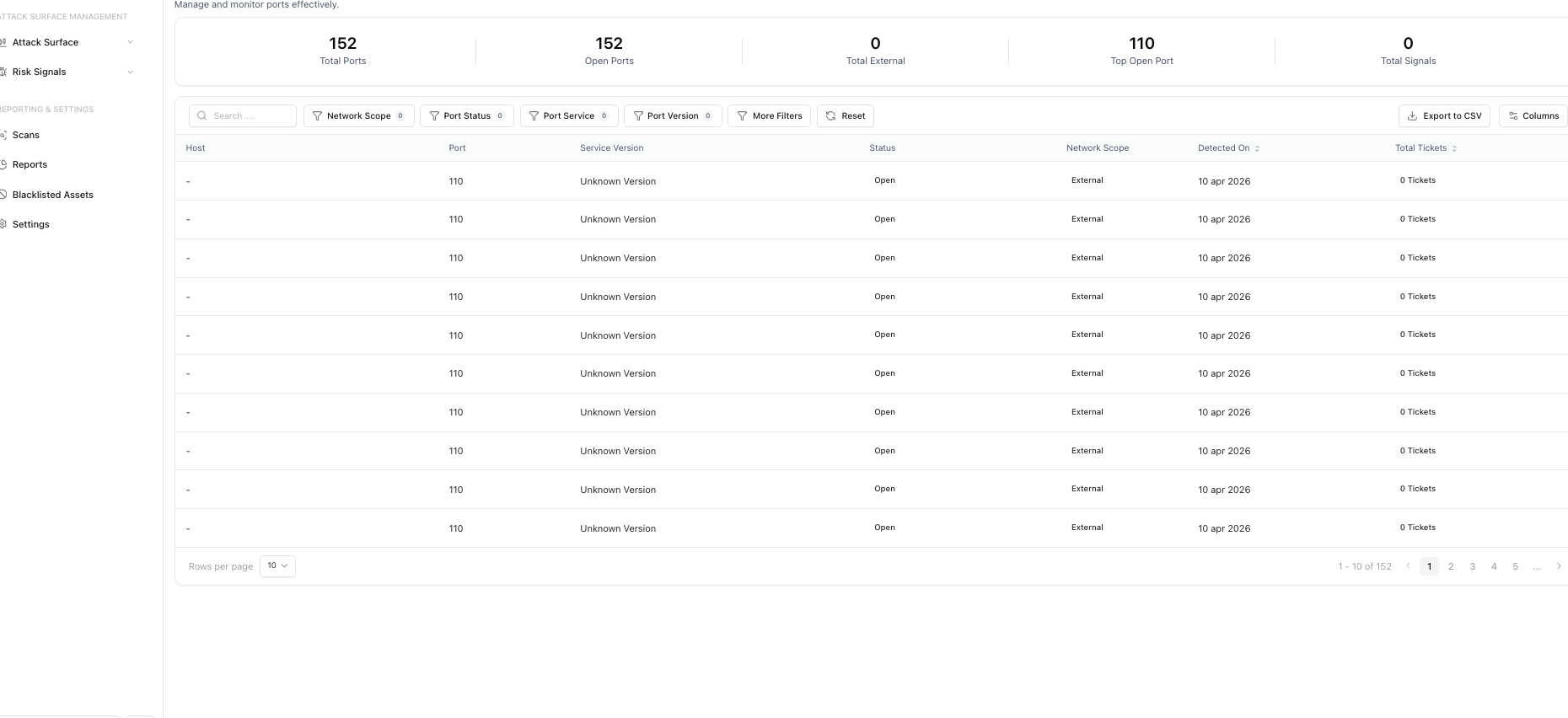
Ports
See open ports and services across your endpoints.
Technologies
Identify the software and frameworks running on your infrastructure.
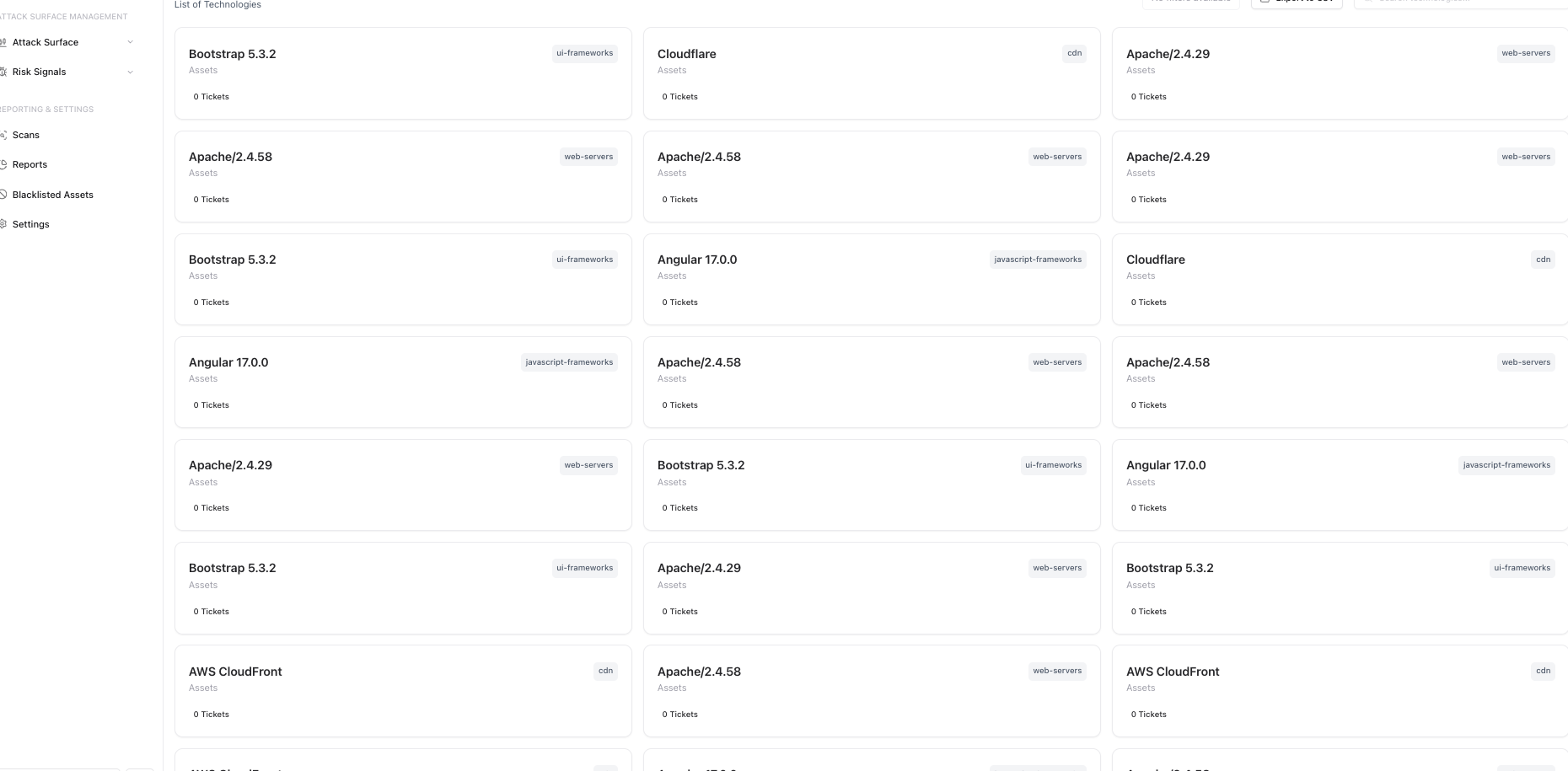
By providing these specific views, Snapsec makes it easy to search and understand all parts of your digital footprint.
Risk Prioritization
Finding assets is the first step, but security teams need to know what to fix. The platform's Risk Signals help with this.
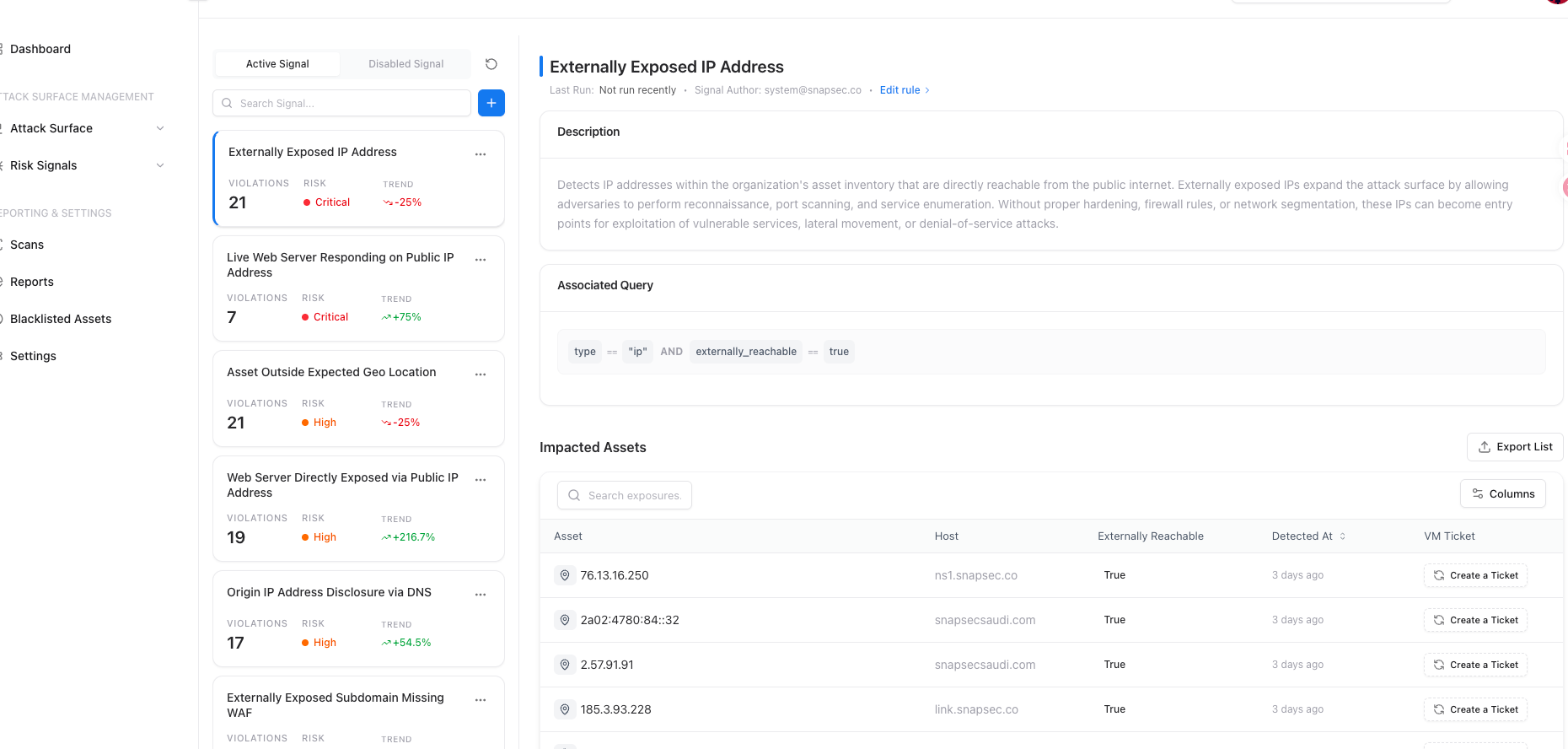
Snapsec groups problems into specific signals. These rules check your assets for issues like:
- Externally Exposed IP Addresses: Finding internal portals exposed to the internet.
- Asset Outside Expected Geo Location: Flagging infrastructure hosted in unusual regions.
- Origin IP Address Disclosure via DNS: Finding misconfigurations that bypass WAF protections.
- Public Exposure of Remote Access Services: Catching dangerous open ports.
When you click on a Risk Signal, Snapsec ASM shows:
- Descriptions: An explanation of the threat.
- Associated Queries: The logic used to find the issue.
- Impacted Assets: A list of the specific hosts affected and when they were found.
From the Impacted Assets view, you can click Create a Ticket to assign the issue to an engineering team for quick fixing.
Continuous Monitoring
Snapsec ASM runs automated scans on a schedule to evaluate your infrastructure against the Risk Signals in real-time.
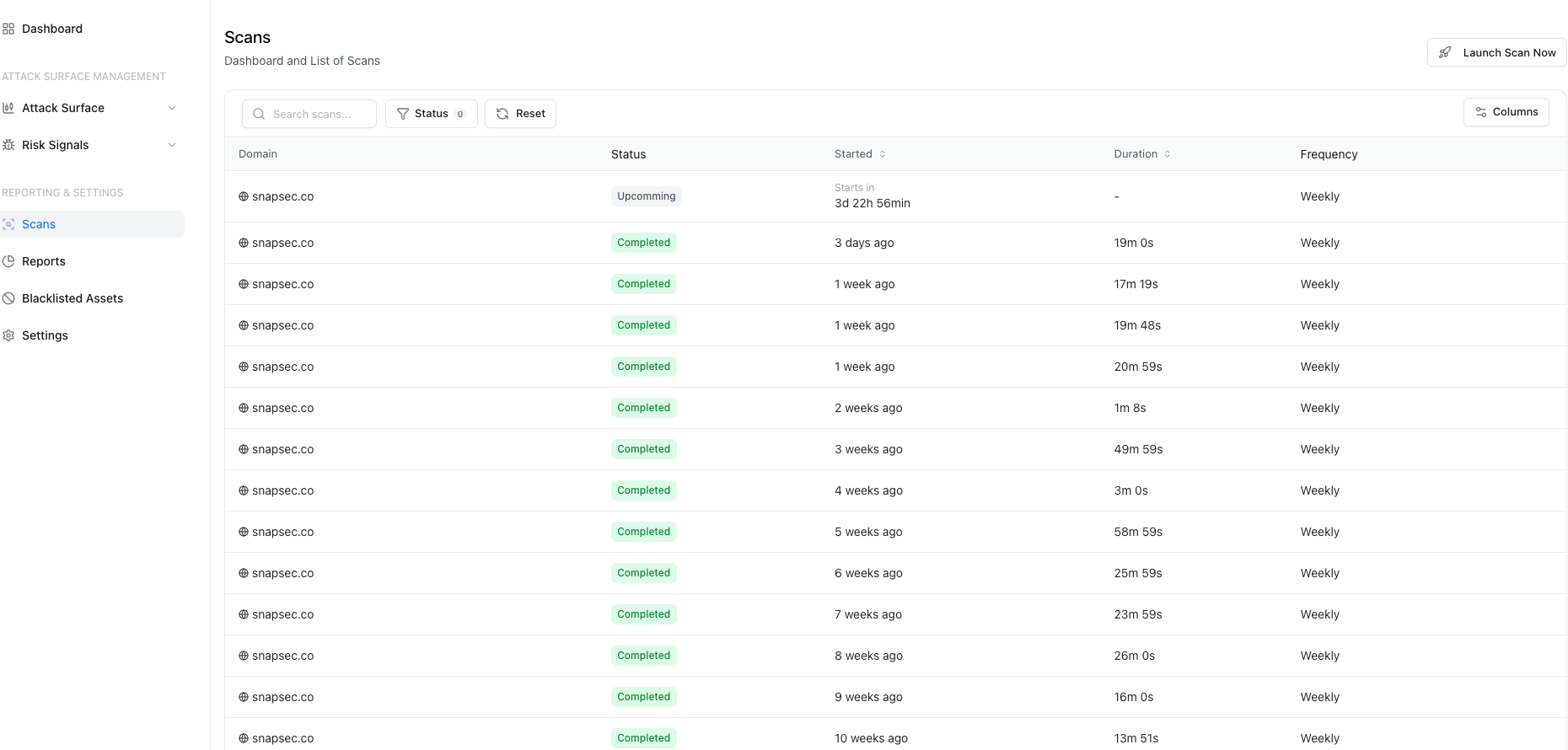
By running continuous scans:
- Automated Cadence: Scans run regularly without manual effort.
- Quick Detection: If someone accidentally exposes an internal portal, Snapsec ASM creates a Risk Signal right away.
- Historical Tracking: Scan durations and statuses are logged for auditing.
Conclusion
Snapsec ASM helps you find exposures before attackers do. By focusing on clear Risk Signals instead of raw data dumps, Snapsec makes it easier for security teams to manage and secure their attack surface.
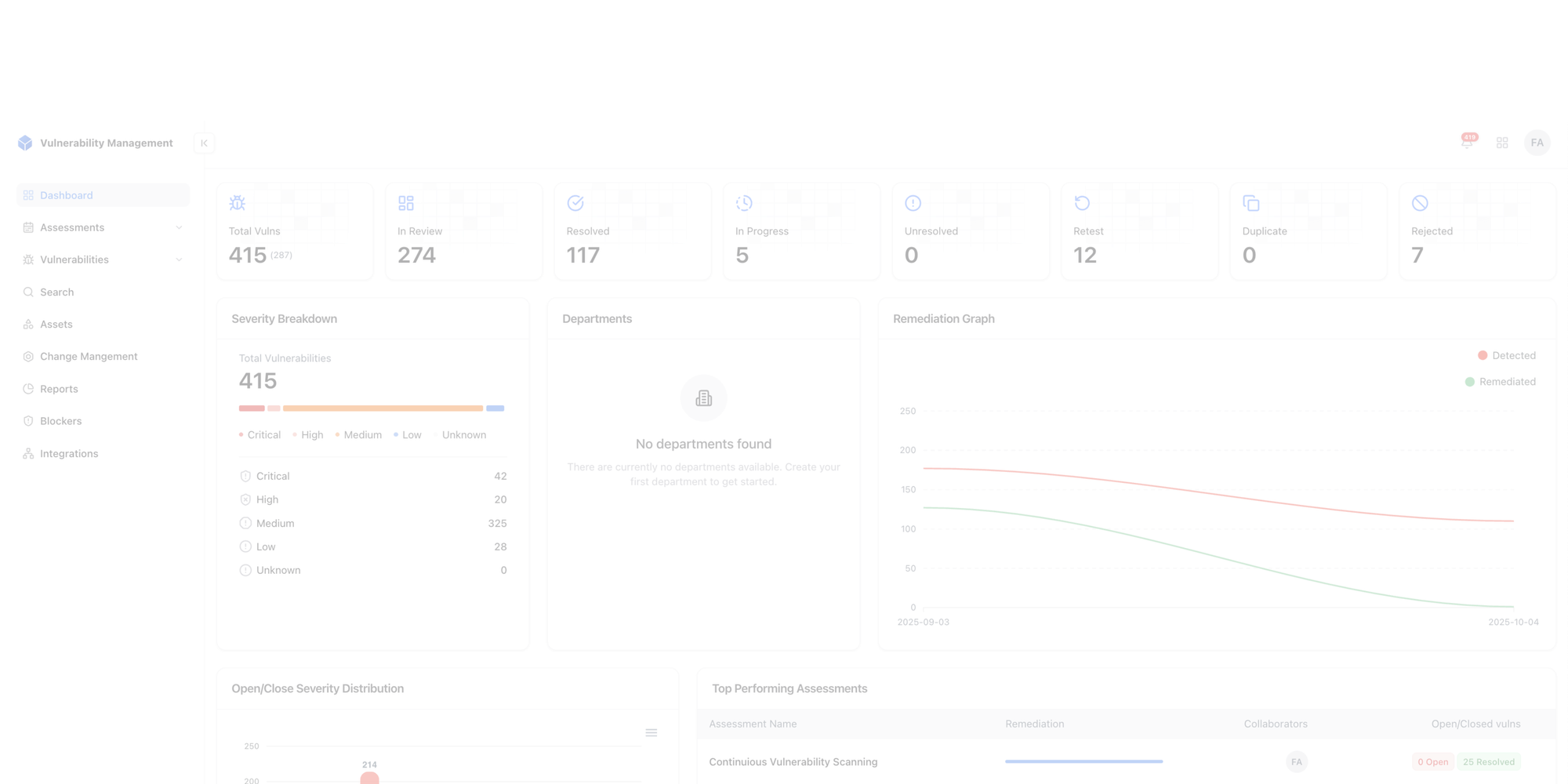
Centralise your Appsec
A single dashboard for visibility, collaboration, and control across your AppSec lifecycle.
Explore Live Demo